
February 22, 2026
How to pack oversized electronics for a move
Oversized electronics like large televisions, desktop computer towers, wide monitors, home theater receivers, and gaming setups are some of the most expensive and fragile items people move. They look solid, but inside they contain delicate circuit boards, solder joints, glass panels, and cooling components that do not tolerate shock, vibration, moisture, or static electricity very well. Replacing a damaged 75 inch television or a high end workstation can easily cost thousands of dollars, so careful packing is worth the extra time.
Consumer electronics data shows how common these items have become. The Consumer Technology Association reports that the average US household now owns more than 20 connected devices, with televisions continuing to grow in size year after year. Larger screens mean thinner panels and tighter tolerances, which increases vulnerability to flexing and impact damage during transport. Screen manufacturers note that even small torsional stress can cause micro fractures in display layers that may not show up until days after the move.
The first step is powering down and disconnecting everything properly. Electronics should be turned off completely rather than left in sleep mode so internal components cool fully before packing. Heat trapped in enclosed packaging can increase condensation risk when temperature changes occur. Vehicle interior temperature studies show that parked trucks can exceed outdoor temperatures by more than 20 degrees Celsius in under an hour on sunny days, which increases humidity cycling inside packaging. Letting devices cool and dry reduces moisture stress.
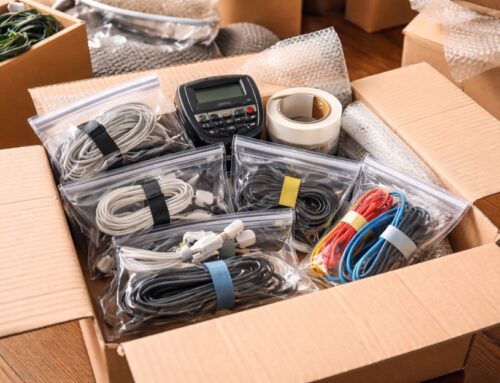
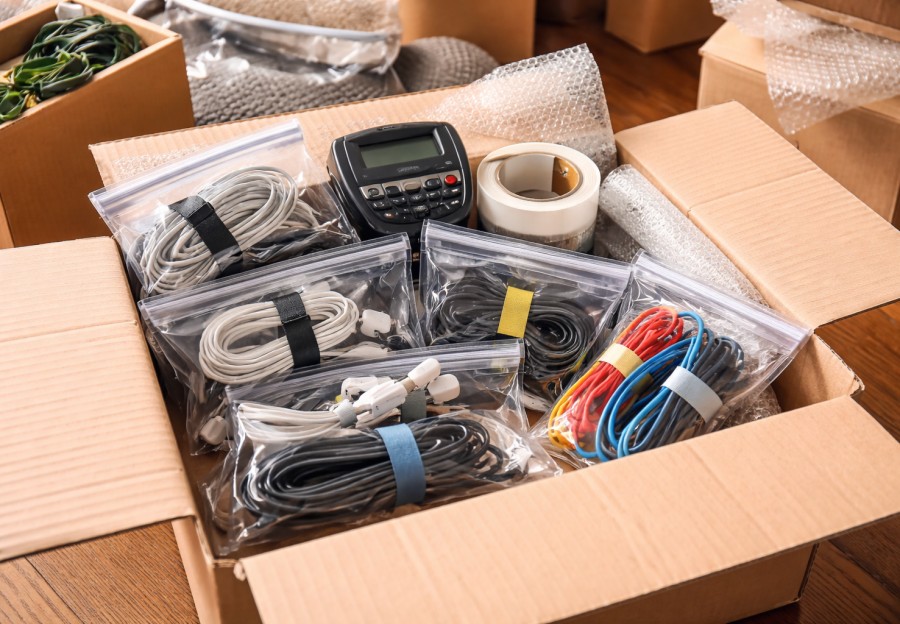
Cables should be disconnected carefully and loosely coiled. Tight bends strain internal conductors and insulation. Data cable manufacturers report that repeated sharp bends can reduce cable lifespan by more than 50 percent due to metal fatigue and micro cracking. Labeling each cable avoids confusion later and prevents forcing incorrect connections that can damage ports or power supplies.
Original packaging is ideal when available because it is engineered specifically for the device’s weight distribution and shock absorption needs. If you no longer have it, choose a box that allows at least two inches of padding on all sides. Packaging engineers consistently find that thicker cushioning dramatically reduces transmitted shock. Drop testing shows that adding two inches of foam or dense bubble wrap can cut peak impact forces by more than half compared with thin padding.
Screen protection is critical for large televisions and monitors. The display surface should never contact hard edges or direct pressure points. A rigid sheet of cardboard or foam board placed over the screen distributes pressure and prevents point loads that cause cracks. Televisions should travel upright rather than flat. Display manufacturers warn that flat transport increases the risk of panel flexing under vibration and can stress mounting points.
Static electricity and moisture control matter more than most people realize. Sensitive electronics benefit from anti static wrap or at least a plastic inner layer combined with a moisture absorbing packet. Silica gel can absorb a significant percentage of its weight in moisture under high humidity conditions, which helps protect circuit boards during long moves. Avoid sealing electronics in airtight plastic if moisture is present because trapped humidity can condense and lead to corrosion.
Weight support inside the box must be even. Heavy components like power supplies or speakers inside a device can create uneven stress if the unit shifts. Fill all voids firmly so the device cannot move at all when the box is gently shaken. Transportation packaging studies consistently link internal movement to impact damage during transit.
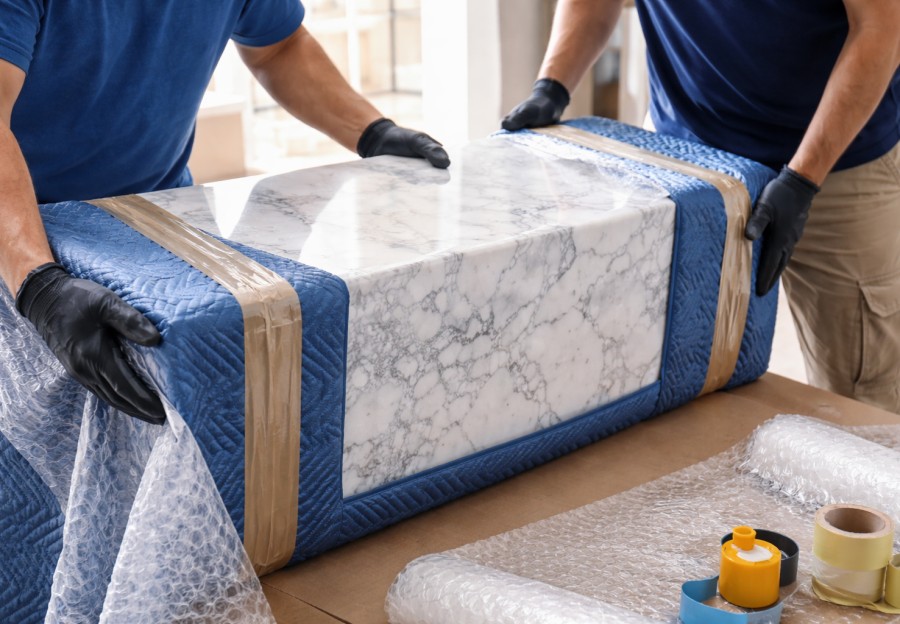
Shock and vibration are the silent enemies during long drives. Even when nothing drops, continuous vibration can loosen connectors and fatigue solder joints. Packaging vibration testing shows that micro vibration damage accumulates over time, especially when devices are not tightly supported. Using dense foam or layered blankets reduces vibration transfer better than loose paper alone.
Temperature sensitivity also deserves attention. Some electronics contain lithium batteries, capacitors, and adhesives that degrade faster when exposed to high heat. Battery manufacturers note that prolonged exposure to elevated temperatures shortens battery lifespan and can reduce capacity. Whenever possible, load electronics near the middle of the truck rather than against exterior walls where heat exposure is higher. For long distance moves in hot climates, transporting especially valuable electronics in a climate controlled vehicle can be worth considering.
Labeling helps protect during handling. Clear fragile and orientation markings reduce the chance of stacking pressure or incorrect placement. Logistics studies show that visual handling cues reduce sorting and stacking errors by up to 30 percent in warehouse environments. While residential moves are less formal, the same human behavior principles apply.
Securing electronics inside the truck is just as important as packing them well. Televisions and large monitors should be strapped upright between padded surfaces such as mattresses or upholstered furniture. This creates a protective buffer against sudden stops. Cargo securement research shows that properly restrained loads can withstand large forward forces without shifting, which protects sensitive items from collision damage.
Insurance considerations should not be overlooked. Basic mover liability coverage often reimburses only a small amount per pound, which does not reflect the true replacement cost of electronics. Reviewing coverage options and documenting device condition with photos before the move provides financial protection in case of damage. Insurance industry data shows that electronics are among the most common high value claim categories in residential moves.
Unpacking deserves care as well. Allow electronics to acclimate to room temperature before powering them on, especially if they traveled through extreme temperature changes. Electronics manufacturers often recommend waiting several hours to prevent condensation inside components. Turning on a device while moisture is present can cause short circuits or long term corrosion.
Packing oversized electronics is not just about bubble wrap and boxes. It is about managing shock, vibration, moisture, temperature, static, and handling behavior. Using real data from electronics manufacturing, packaging engineering, and transportation research shows why each step matters. When devices are cooled, padded properly, supported firmly, protected from moisture, transported upright, and secured inside the truck, the risk of costly damage drops significantly.
Oversized electronics represent a major financial investment and often hold personal data and entertainment value that cannot be replaced easily. Taking the time to pack them correctly protects that investment and gives you confidence that when you plug everything back in at your new place, it will power up exactly as it should.