February 24, 2026
How to pack a home office efficiently
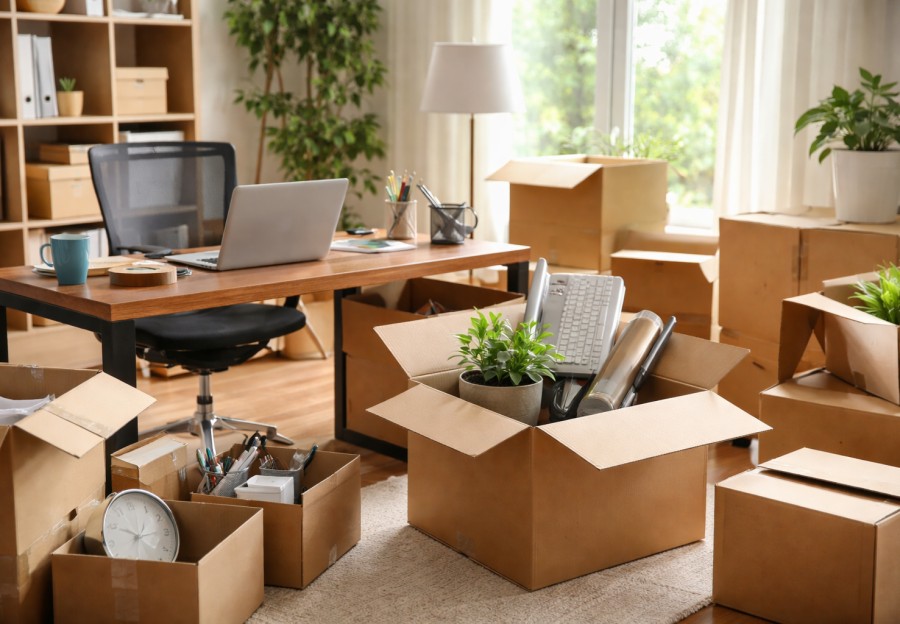
A home office looks calm on the surface, but once you start packing it, you quickly realize how many fragile, valuable, and easy to misplace items live in that one room. Laptops, monitors, printers, files, cables, chargers, desk accessories, and personal records all compete for space. If the office is packed poorly, setup at the new place becomes slow and stressful, and the risk of damage rises sharply. Packing it well saves time, protects expensive equipment, and keeps important information secure.
The importance of getting this right keeps growing. The US Bureau of Labor Statistics reports that more than 35 percent of employed Americans now work from home at least part of the week. That means millions of households depend on their home office being functional quickly after a move. Downtime is not just inconvenient. For remote workers and small business owners, every lost day can affect income and productivity.
Start with data protection before you touch a single cable. Back up all computers and external drives. Hard drives and solid state drives are more durable than they once were, but they still fail under shock or power damage. Data recovery firms report that physical shock and improper shutdowns remain leading causes of consumer data loss. Cloud backups or external drive copies provide insurance if something unexpected happens during transport.
Once data is secure, power everything down fully and unplug devices. Let electronics cool for at least 20 to 30 minutes before packing. Heat trapped inside sealed boxes can create condensation when temperatures shift. Vehicle interior temperature studies show that closed vehicles can exceed outdoor temperatures by more than 20 degrees Celsius within an hour in direct sun. Moisture combined with electronics increases corrosion risk and short circuits.
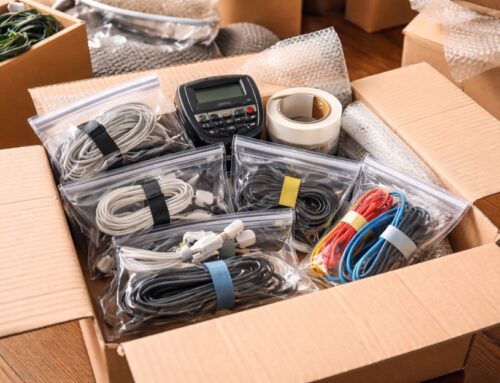
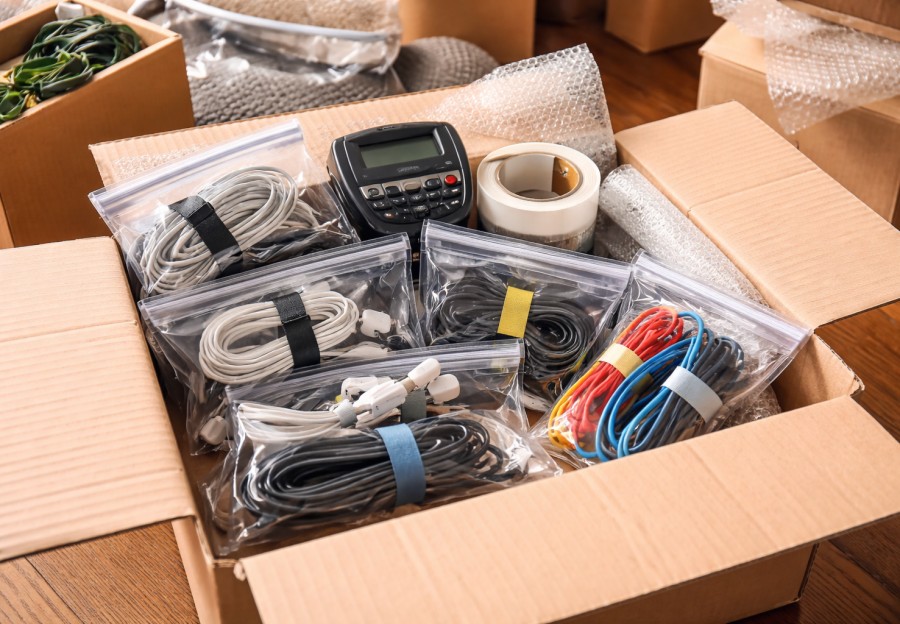
Cables deserve careful attention because tangled cords slow setup and shorten lifespan. The average household owns more than 20 connected devices according to the Consumer Technology Association, which translates into dozens of cables. Coil each cable loosely using wide loops to protect internal conductors. Data cable manufacturers note that tight bending and twisting can reduce cable lifespan by more than 50 percent due to metal fatigue and insulation stress. Light ties keep coils from unraveling without crushing the wire. Label both ends of important cables so reconnecting is quick and accurate.
Small office accessories should be grouped intentionally. Pens, staplers, adapters, USB drives, webcams, headsets, and spare batteries disappear easily when tossed loosely into boxes. Grouping similar items reduces cognitive load and improves recall, according to memory research. Small containers inside a larger box keep these accessories visible and contained.
Paper documents need protection from moisture, bending, and mixing. Important records such as contracts, tax documents, and certificates should travel with you rather than in the moving truck. Paper absorbs moisture quickly and creases easily under compression. Packaging studies show that corrugated cardboard loses more than 30 percent of its compression strength when damp, which increases collapse risk. Portable file boxes or rigid folders prevent bending and make setup faster at the new space.
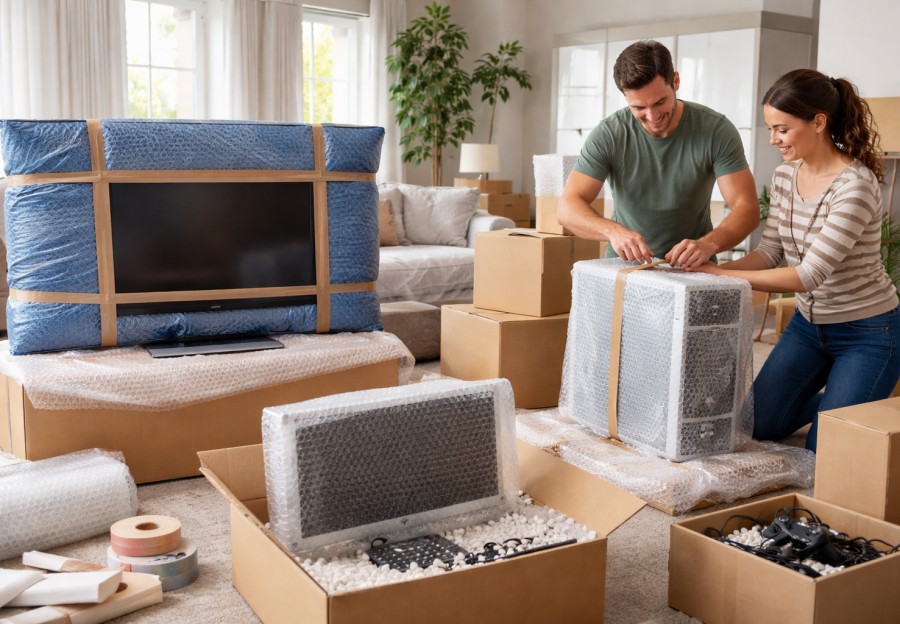
Printers and scanners require special handling because they contain moving parts and ink or toner systems. Remove ink cartridges when possible and seal them in leak resistant bags. Printer manufacturers often warn that ink can leak during vibration and temperature changes. Secure moving parts with soft padding to prevent internal shifting. If original packaging is available, use it because it is engineered to support weight distribution and shock absorption correctly.
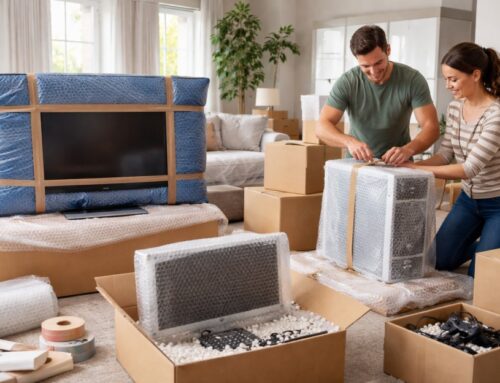
Monitors and large displays should travel upright rather than flat. Display manufacturers note that flat transport increases the chance of panel flexing under vibration, which can cause micro fractures that appear later. Place a rigid sheet of cardboard or foam board over the screen surface to distribute pressure evenly. Allow at least two inches of cushioning on all sides to reduce impact forces. Packaging drop testing shows that thicker padding can reduce peak shock loads by more than 50 percent compared with thin wrapping.
Desktop computer towers benefit from internal stabilization if you are moving long distance. Heavy graphics cards and cooling components can flex motherboard connections during vibration. Some PC builders recommend removing large graphics cards and packing them separately in anti static bags for added safety. Static control matters for electronics. Anti static wrap or at least a plastic inner layer with a moisture absorbing packet protects sensitive components. Silica gel can absorb a significant percentage of its weight in moisture under high humidity conditions.
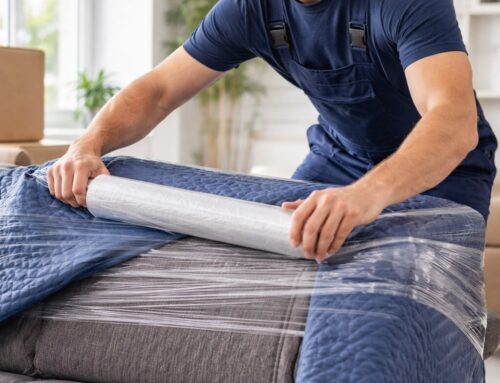
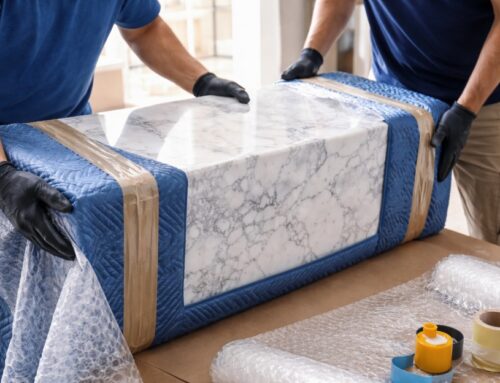
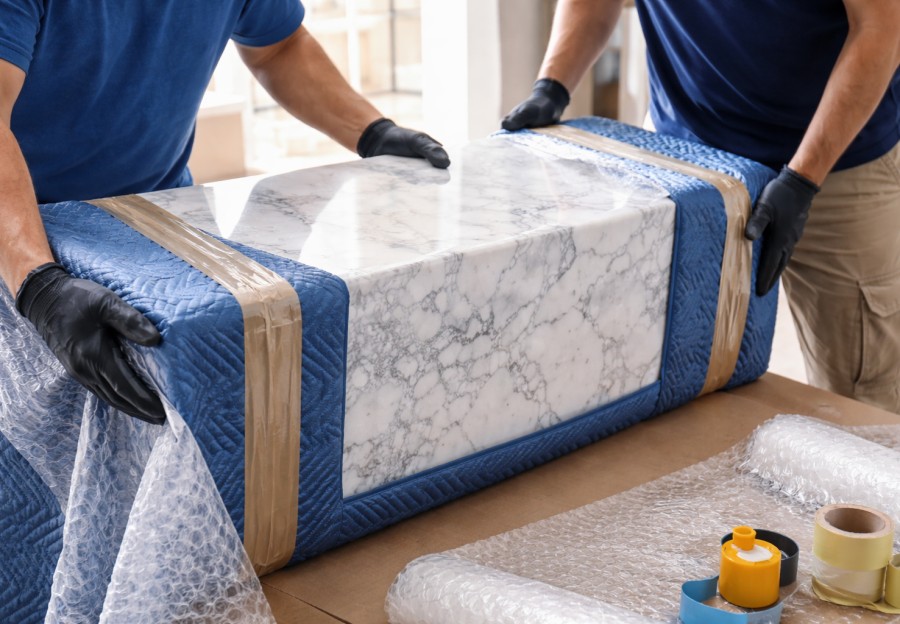
Desk furniture preparation saves time and prevents damage. Empty all drawers and bag any loose hardware. Loose items add unnecessary weight and can stress joints during vibration. Packaging vibration studies consistently show that repeated low level vibration is a leading cause of finish wear and joint loosening in furniture during transport. Wrapping surfaces prevents abrasion from blankets and straps.
Lighting and small electronics such as desk lamps, routers, and speakers should be padded individually. Bulbs should be removed and packed separately. LED bulbs are more durable than incandescent ones, but glass breakage still occurs when vibration and pressure combine.
Create a clearly marked essentials box for your office. Include your laptop, primary charger, mouse, keyboard, hotspot, notepad, pens, and any documents you will need immediately. Productivity research shows that minimizing tool search time improves task efficiency by over 20 percent. Having your core tools ready lets you get back to work quickly instead of digging through random boxes.
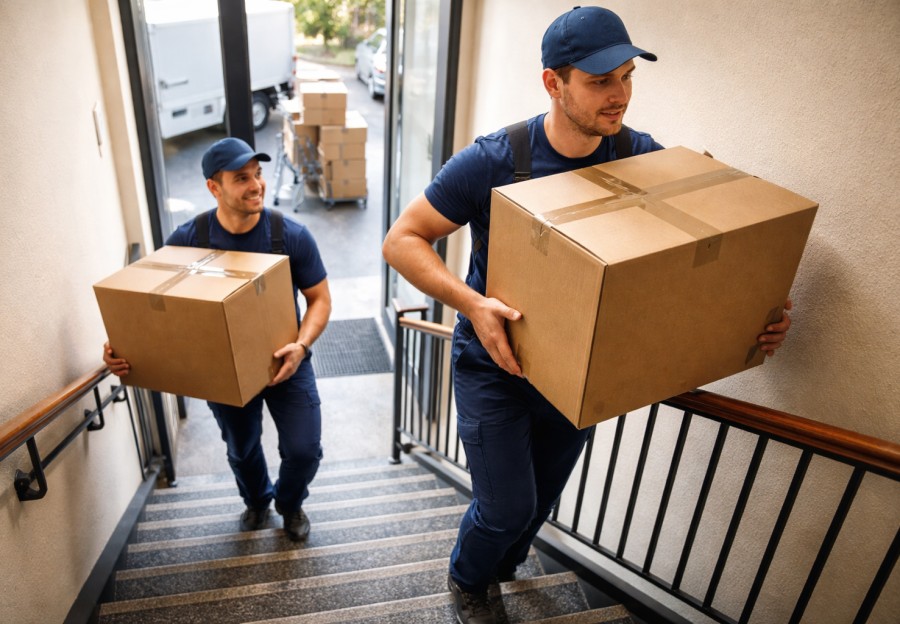
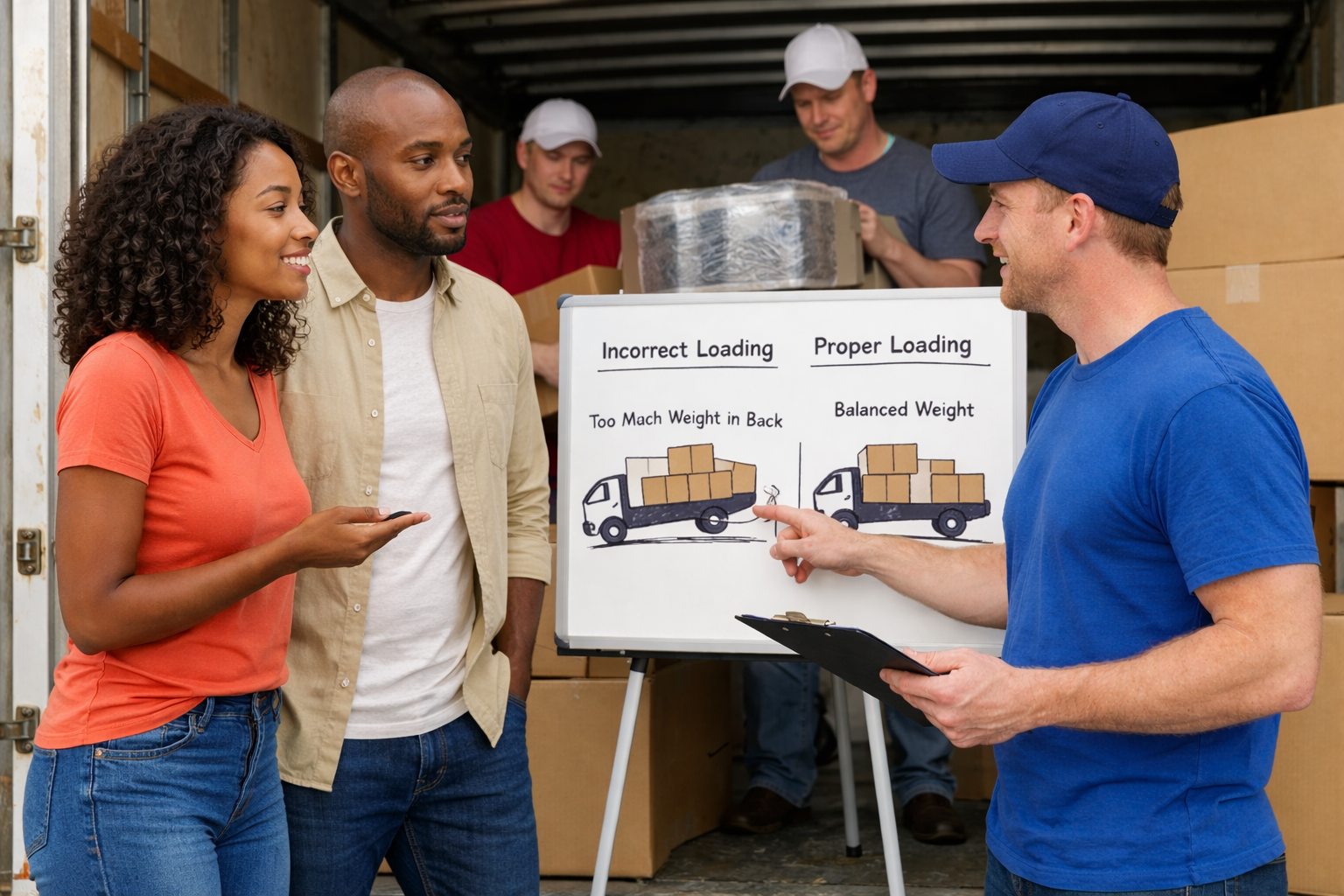
Weight management matters when packing office supplies. Books, paper reams, and equipment are heavy. Keep box weights manageable to prevent strain and box failure. Occupational safety data from the Bureau of Labor Statistics shows that overexertion is a leading cause of injury in material handling. Smaller boxes for heavy items protect both movers and your belongings.
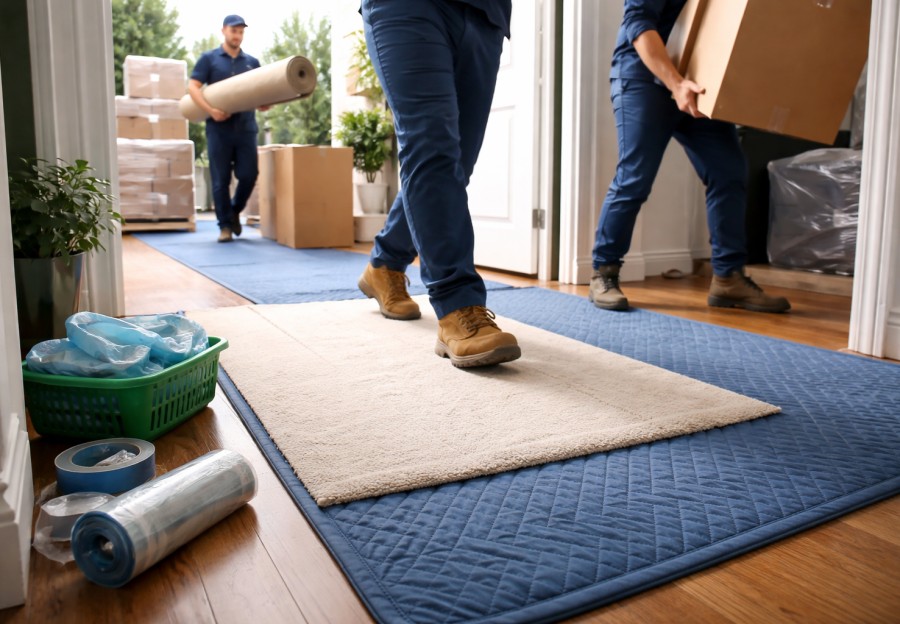
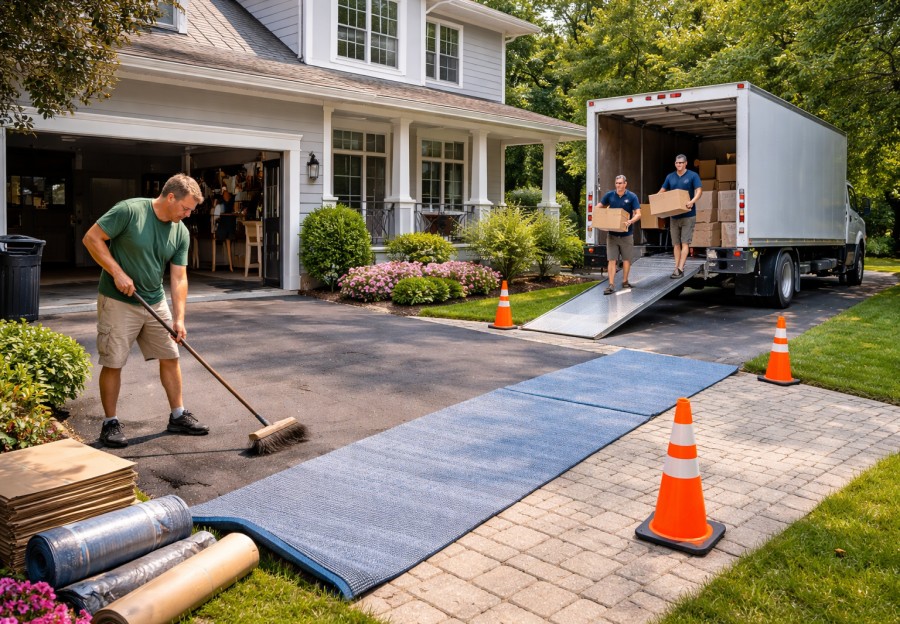
Moisture and temperature exposure should guide placement in the truck. Avoid placing electronics near exterior walls where heat and cold fluctuate most. Vehicle temperature studies show rapid swings that stress electronic components. Central placement with padding reduces thermal exposure and vibration intensity.
Labeling improves both protection and efficiency. Clear room identification and simple handling notes reduce stacking pressure and misplacement. Logistics studies show that visual labeling reduces handling errors by up to 30 percent in sorting environments. That means fewer crushed boxes and faster unloading.
Before sealing the last box, perform a deliberate sweep of the room. Check behind desks, inside cable trays, under rugs, and inside drawers. Cognitive fatigue increases oversight errors after physical work, according to occupational psychology research. A slow final scan reduces forgotten items.
Unpacking deserves patience too. Allow electronics to acclimate to room temperature for several hours before powering on. Electronics manufacturers often recommend this step to prevent condensation damage. Reconnect cables using labels or reference photos taken before disassembly. Test one device at a time to confirm functionality before stacking equipment into final positions.
Packing a home office efficiently is about protecting data, managing cables, stabilizing electronics, organizing small tools, and controlling weight and moisture. Real world data from electronics manufacturing, packaging engineering, workplace safety, and productivity research supports these practices because they reduce damage, downtime, and frustration.
A well packed home office sets you up for a smooth return to normal work and routine. Instead of spending days hunting for adapters or worrying about damaged screens, you can plug in, power up, and move forward with confidence. In a world where home offices support careers, businesses, and daily communication, that smooth transition is worth every bit of extra care during packing.